Hat Trick: I Built an App for an Audience of One
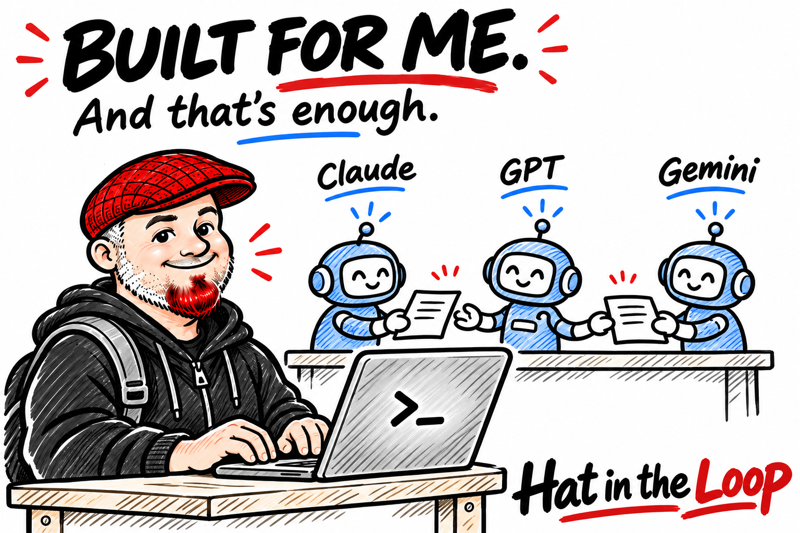
Claude builds. GPT draws. Gemini thinks. I got tired of being the guy carrying notes between them, so I built a little Mac app where they work as a team. Here's how it came together in a day.
I use three AI models every single day.
Claude is where I go to build and write. Structure, code, the actual deliverable.
GPT is where I go for visuals. Images, design ideas, even 3D models.
Gemini is where I go to think. Live search, math, and checking everybody else's homework.
And for months, the integration layer between all three was... me. Copying. Pasting. Three tabs open, shuttling drafts from one to the next like a very tired relay runner.
So I asked the question I ask about everything: why is this so complicated, and does it have to be?
Turns out it doesn't.
Meet Hat Trick
Hat Trick is a small app on my Mac that puts all three models on one team.
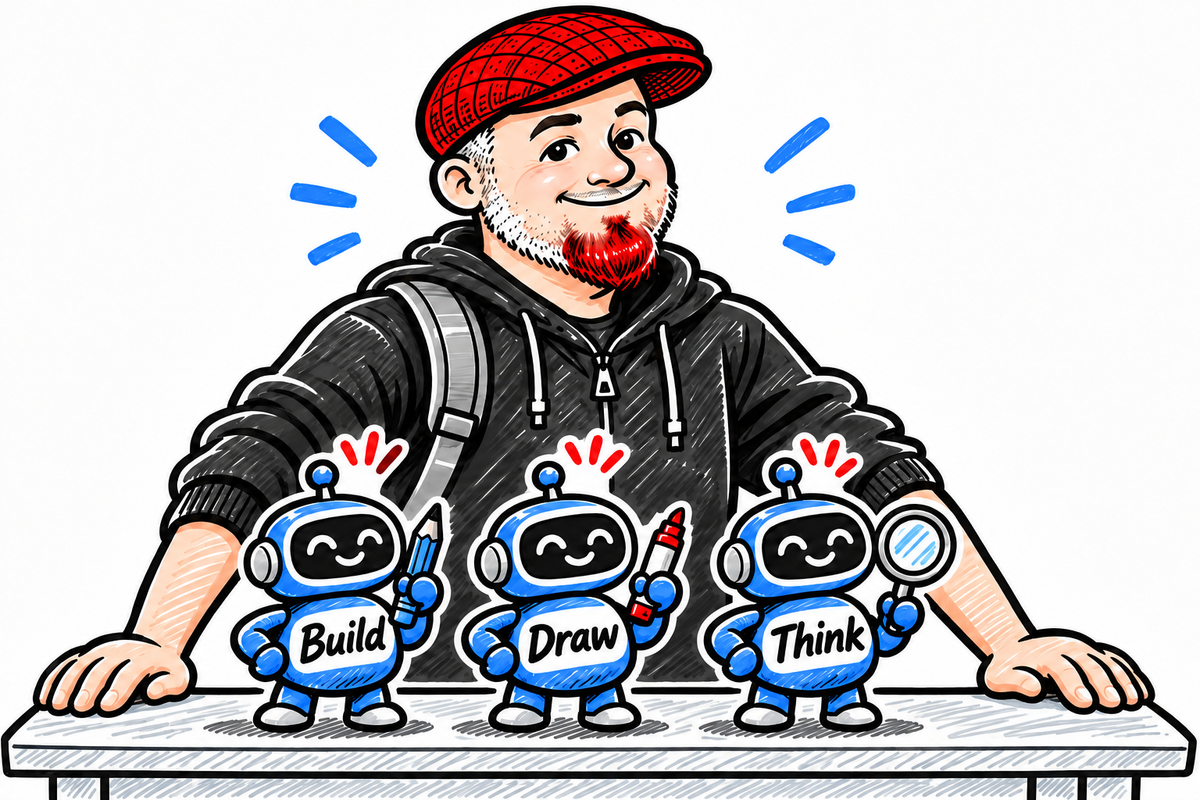
- Claude builds.
- GPT draws.
- Gemini thinks.
- And a Conductor (it gets the red hat, naturally) decides who goes next.
I give it a goal. The Conductor picks the best model for the first piece, reads what comes back, and hands the work to whoever is better at the next piece. Claude drafts the page. GPT makes the hero image. Gemini checks the numbers. Claude pulls it all together. They all work out of the same project folder, so each one can see what the others made.
When the goal is met, it stops. When it isn't, I type feedback and the same team keeps going on the same files.
Two rooms: Chat and Workbench
Not everything is a build. Sometimes I just want to ask a question like a normal human.
So Hat Trick has two tabs. (The screenshots here are from practice mode, which runs the whole app with stand-in models so I could see how everything flows before plugging in real keys.)
Chat is for talking. I ask a question and it goes to the best model automatically. Pictures go to GPT. News, prices and math go to Gemini. Writing and thinking go to Claude. If it guesses wrong, I can just type @gemini or @claude and pick myself.
Workbench is for building. That's where the handoffs happen. The Team panel on the right shows who's plugged in and lights up whoever is working.
My favorite part is the bridge between them. When a chat turns into "okay, let's actually make this," one click turns the conversation into a Workbench goal and the team gets to work.
How it actually came together
I built it in one long working session with Claude as my build partner. Here's the honest version, rough edges and all.
- It started as a terminal tool. Plain text, a little ugly, but the handoff loop ran from the first test.
- Then a tabbed terminal app. Better. Still didn't feel like mine.
- Then I realized a terminal can't wear the hat. No hand-drawn art, no brand, no cap. So we wrote a full design brief for a branded window instead.
- I made the artwork. Icons for each model, empty-state illustrations, a little handoff animation, a done screen.
- The first branded version looked... busy. Handwritten fonts everywhere. I didn't like it. So I mocked up a cleaner layout and we stripped it back: clean type, quiet lines, and the hand-drawn style saved for the illustrations, where it belongs.
- Then we made it a real Mac app. It lives in my Dock now. Click the cap, the window opens. Close the window and it shuts itself down.
Total code at the end of the day: about 3,000 lines. I didn't write a single one by hand.
The part where it didn't just work
Of course the first install failed.
My Mac said Hat Trick needed Python. Then it told me I hadn't agreed to Apple's Xcode license. One command and a password later, it was running.
Then practice mode wouldn't show up, because the regular copy of the app was still running in the background. Found it, fixed it, moved on.
I'm including this on purpose. The build was the easy part. The last mile is always some little thing nobody warned you about. That's real-world tech.
A few things I learned
- Anyone can build software now. I'm not saying that to sound humble. It's just true. The hard part isn't the code anymore. It's knowing what you actually want and saying it clearly.
- Design is still a human job. The AI gave me something that worked. I'm the one who said "this text is too much" and "make it feel like my brand." That back and forth is where it got good.
- The magic isn't in any one model. It's in the handoffs. Same thing I've seen in 20 years of training and documentation work. The best teams aren't the ones with the smartest person. They're the ones with the cleanest handoffs.
- Not everything needs users. Hat Trick isn't a product. No launch, no waitlist, no pitch deck. It's for me (and maybe my wife's business, if it earns its keep).
Where it stands
Early days. The app runs on my Mac, the handoff loop works in practice mode, and next up is plugging in real keys and putting it to work every day. That's where I find out what breaks.
I'll share what I learn.
So here's my question for you... if you could build one tool that only had to work for you, what would it be?